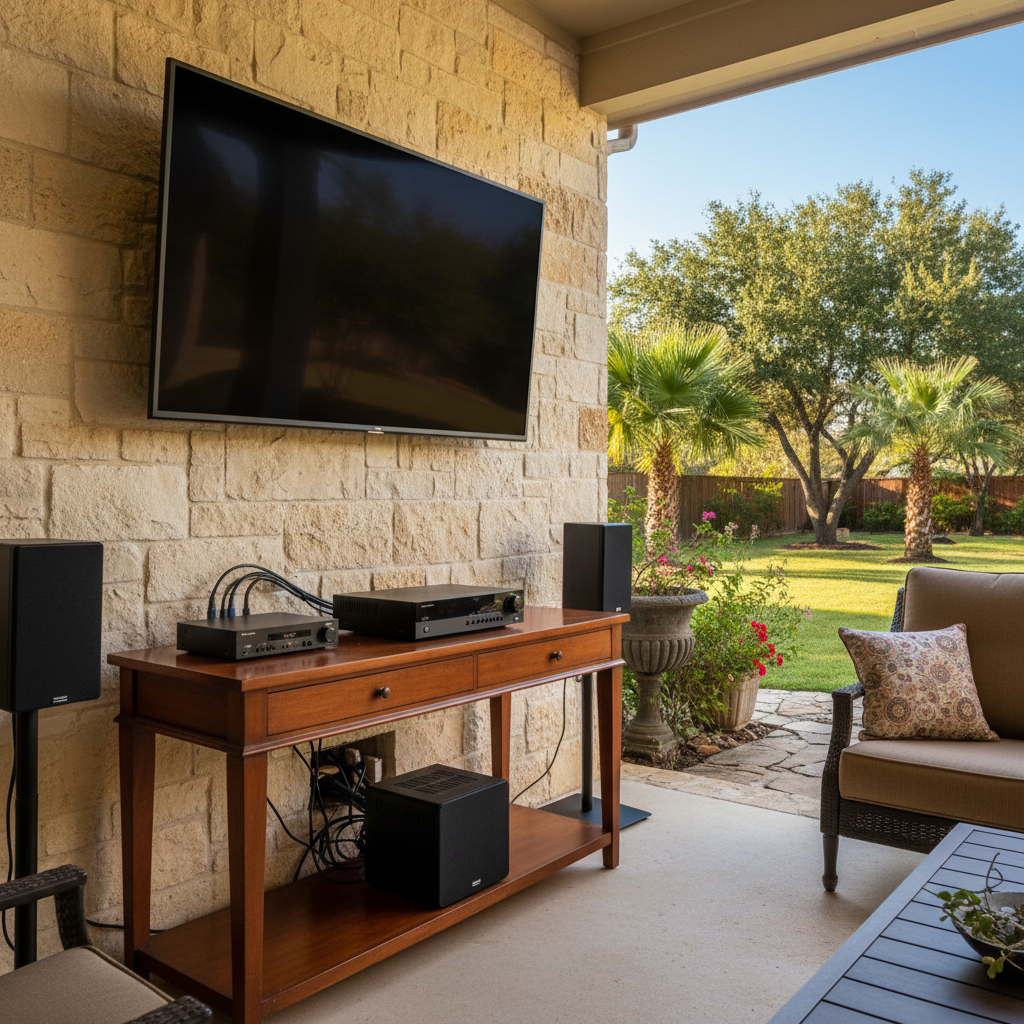
Alright, let's talk about keeping your home theater and smart home gear in tip-top shape. You've spent good money on these systems, right? So you want 'em to last. Down here in San Antonio, our climate can be tough on electronics, and a little preventative care really goes a long way. I've seen it all, from dust bunnies the size of small rodents to equipment completely fried by power surges. Don't let that happen to your setup, okay?
Making Your Investment Last Longer
First off, let's talk about making your stuff last. It's not just about fixing things when they break; it's about stopping those breaks from happening in the first place. Think of it like changing the oil in your truck. You wouldn't skip that, would you?
- Ventilation is Key: This is huge, especially with our long, hot summers. Electronics generate heat, and heat is the enemy. Make sure your receivers, amplifiers, and even your smart hubs have plenty of breathing room. Don't stack components directly on top of each other if they don't have proper feet or risers. If they're in a cabinet, make sure it's open-backed or has active cooling fans. I've seen closed cabinets in Alamo Heights turn into ovens for expensive gear, and it's not pretty.
- Surge Protection: You absolutely need good surge protectors for all your valuable electronics. We get some wild thunderstorms around here, and a direct lightning strike — or even a close one — can send a jolt through your electrical system that'll fry everything in its path. Don't cheap out here. A quality surge protector is a small price to pay to protect thousands of dollars worth of equipment.
- Clean Power: Beyond surges, 'dirty' power with voltage fluctuations can slowly degrade components. A good uninterruptible power supply (UPS) or power conditioner can provide stable, clean power, which is especially good for sensitive audio/video gear. It'll also give you a few minutes of runtime during a brief power flicker, which is nice.
- Cable Management: It's not just for looks. Tangled, crimped cables can lead to signal degradation and even overheating if power cables are bundled too tightly with sensitive data lines. Keep 'em neat, labeled, and give them some slack.
What Regular Maintenance Looks Like
This isn't rocket science, but it does require a little attention every now and then. You don't need to be doing this every week, but a quarterly or semi-annual check-up can save you a lot of headaches.
- Dusting: This is probably the most common reason for overheating. Dust acts like an insulating blanket, trapping heat. Use a can of compressed air to blow out vents on receivers, gaming consoles, media players, and smart hubs. Do this carefully, holding the can upright to avoid spraying propellant. Oh, and don't forget the back of your TV!
- Cable Check: Every six months or so, just take a quick look at your cables. Are any pinched? Are they securely plugged in? Sometimes a loose HDMI or audio cable can cause intermittent issues that drive you absolutely crazy.
- Software Updates: Many smart devices, TVs, and receivers get regular firmware updates. These often include performance improvements, bug fixes, and security patches. Make sure your devices are set to update automatically, or check for updates manually every few months.
- Remote Battery Check: This sounds simple, but a dying remote battery can make you think your whole system is on the fritz. Keep spares on hand.
Warning Signs of Problems
Your system will often try to tell you something's wrong before it completely gives up the ghost. Pay attention to these signals:
- Intermittent Issues: Your sound cuts out sometimes, or the picture flickers. Maybe a smart light doesn't respond every time. These aren't usually random; they're often early indicators of a loose connection, overheating, or a failing component.
- Unusual Noises: A hum from a speaker when it shouldn't be humming, a fan that's suddenly much louder than usual, or a clicking sound from a component. These are definitely red flags.
- Excessive Heat: If you touch a receiver or media player and it feels unusually hot, even when it's just been on for a short time, that's a sign it's struggling to dissipate heat. Check ventilation immediately.
- Slow Performance: If your smart home hub or streaming device is suddenly sluggish, taking longer to respond, or freezing up, it could be a sign of a software issue, memory problem, or even overheating.
- Strange Smells: This is a big one. Any smell of burning plastic or ozone is an immediate warning to unplug the device and investigate.
When to Call a Professional
Look, I'm all for DIY, but there are times when you need to bring in someone who does this for a living. Don't be afraid to pick up the phone.
- Persistent Problems: If you've done all the basic troubleshooting – checked cables, rebooted devices, dusted everything – and the problem keeps coming back, it's time. You might have a deeper issue that requires diagnostic tools or specialized knowledge.
- Complex Wiring: If your issue involves in-wall wiring, ceiling mounts, or integrating multiple complex systems, you can easily do more harm than good trying to fix it yourself. We've got the tools and the experience to get it done right and safely.
- Safety Concerns: If you suspect an electrical issue, or if a device is smoking or sparking, do not try to fix it yourself. Unplug it if safe to do so and call a professional immediately. Electrical work is serious business, after all.
- New Installations or Upgrades: Sometimes, you just need a fresh set of eyes or hands to get a new component integrated smoothly into your existing setup. Or maybe you're ready to upgrade to a whole new system. That's what San Antonio Home Theater Pros is here for. We can make sure everything talks to each other nicely.
Taking care of your home tech isn't just about fixing things; it's about protecting your investment and ensuring you get to enjoy your entertainment and smart home features without constant headaches. A little proactive maintenance goes a long way in our San Antonio homes.